Maximize Your Trail Camera Performance: Two Critical Setup Steps
Getting the most out of your trail cameras and viewer comes down to two essential factors. Follow these best practices to ensure crystal-clear footage, reliable storage, and seamless viewing every time.
Choose the Right SD Cards for Superior Performance
The speed of your SD cards directly impacts your camera’s ability to capture and store high-quality images. Modern trail cameras—especially high-megapixel models, demand fast, reliable memory cards to perform at their best.
SD cards are classified by speed, marked with a number inside a small “C” on the front of the card. You’ll see Class 2, 4, 6, and 10 options available. The higher the number, the faster the card. All trail camera manufacturers recommend a minimum of Class 10 SD cards, and for good reason: slower Class 4 cards can cause frustrating issues when capturing, viewing, and saving images in your trail camera viewer.
Use a minimum of Class 10 SD cards to prevent performance problems and ensure your LOWDOWN viewer works seamlessly.
Class 4 SD cards are obsolete and must be removed from use.
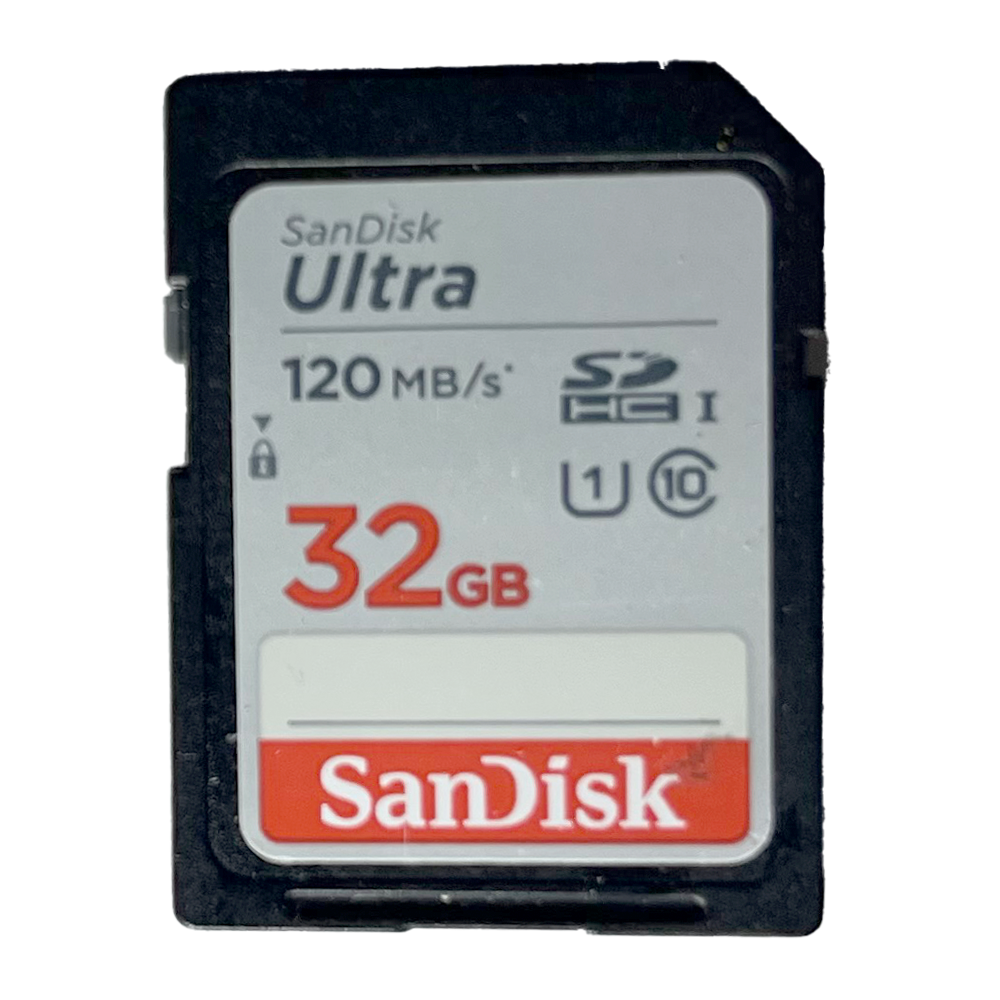
In class 10, the Sandisk Ultra are the fastest & most efficient SD cards.
Ultra SD Cards are ones that are the fastest and more efficient.
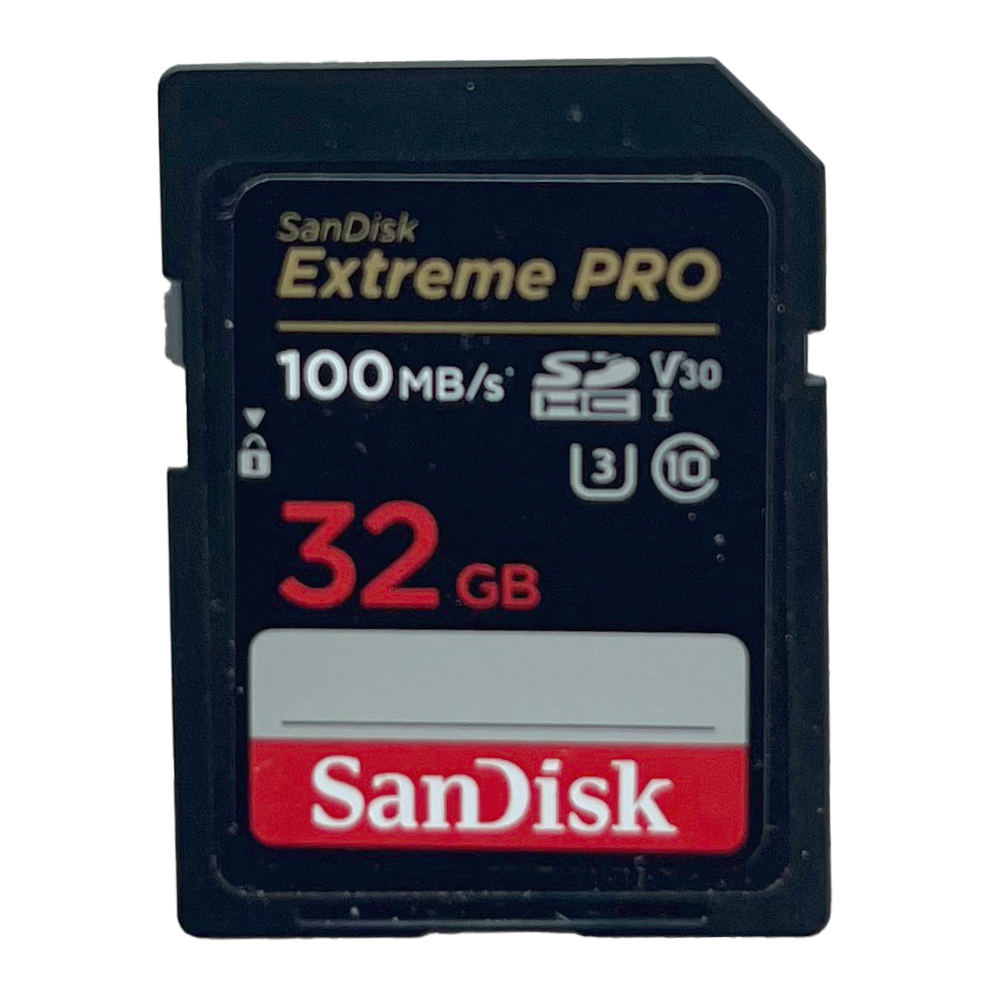
Even faster and more efficient is the Sandisk Extreme with a U3 rating, three times faster than Class 10 (see below)
Keep Your SD Cards Clean: The Power of Formatting
Think of formatting like changing your car’s oil, it keeps everything running smoothly. Simply deleting images doesn’t fully clear your SD card. Over time, leftover data slows down performance and increases the risk of storage errors.
Formatting is simple: It takes about 30 seconds and completely prepares your SD card for fresh data, maintaining full speed and storage capacity. Make it a habit to format your cards after saving important images, or as often as possible. This helps your LOWDOWN viewer copy and save images more efficiently.
How to Format Your SD Card
It’s easier than you think. The Lowdown Viewer will format all of your SD cards with a simple touch of the format button or you can Google the process, ask a friend, or visit your local library for help. The SD Card Association also provides free formatting tools for both Windows and MacOS at their website.
Important: Always safely eject your SD card from your Lowdown Viewer or computer when you’re done.